
Interactive apps
Teach, learn and practice computer science concepts.
No AI here, these apps are developed and maintained by humans!

Sample
Give it a try...
Using the apps
Architecture apps
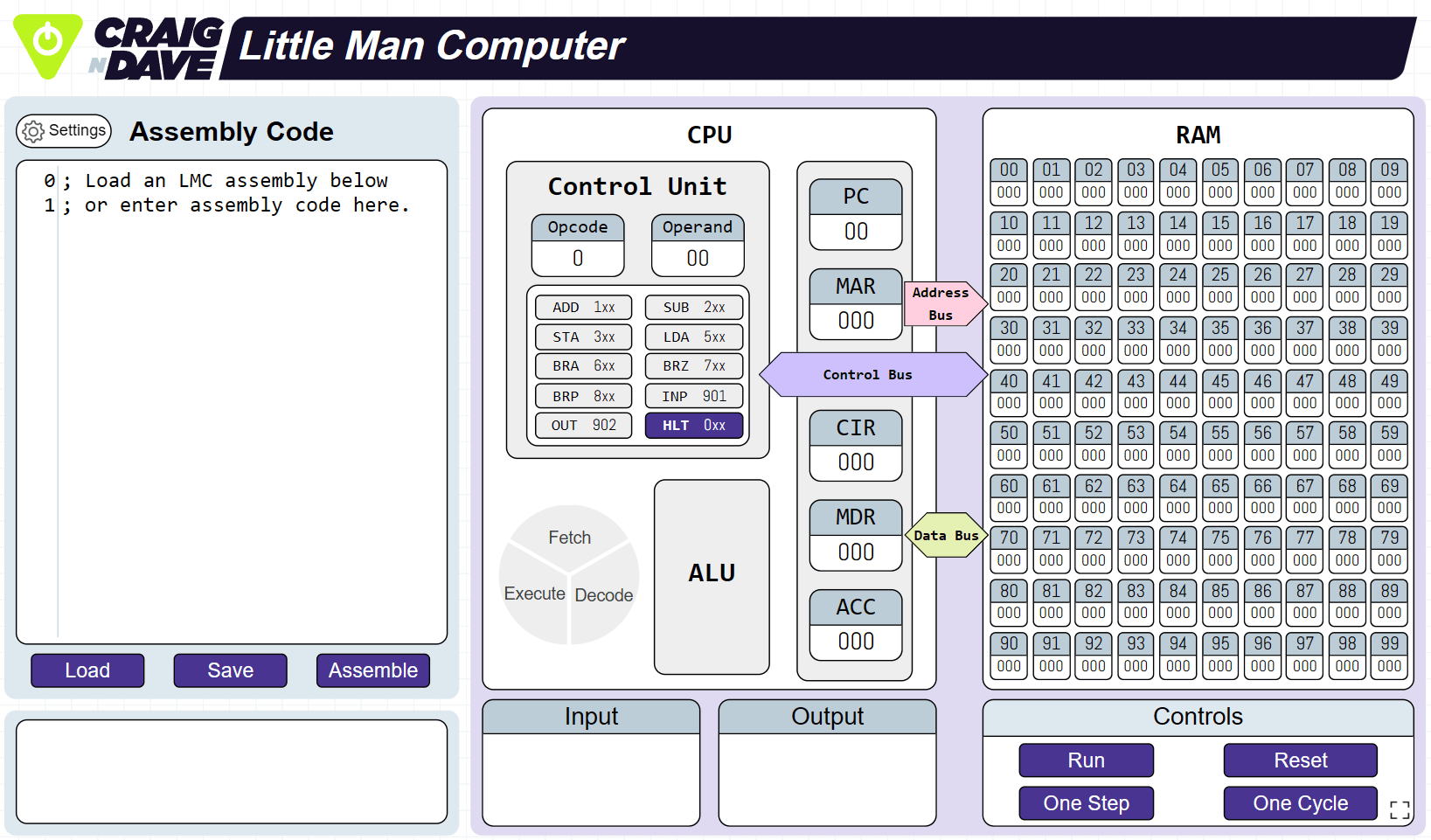
Little Man Computer
A better version than all the others for GCSE and A level.
Fully supports Cambridge OCR instruction set.
Little RISC Computer
Fully supports AQA A level paper 2 instruction set.

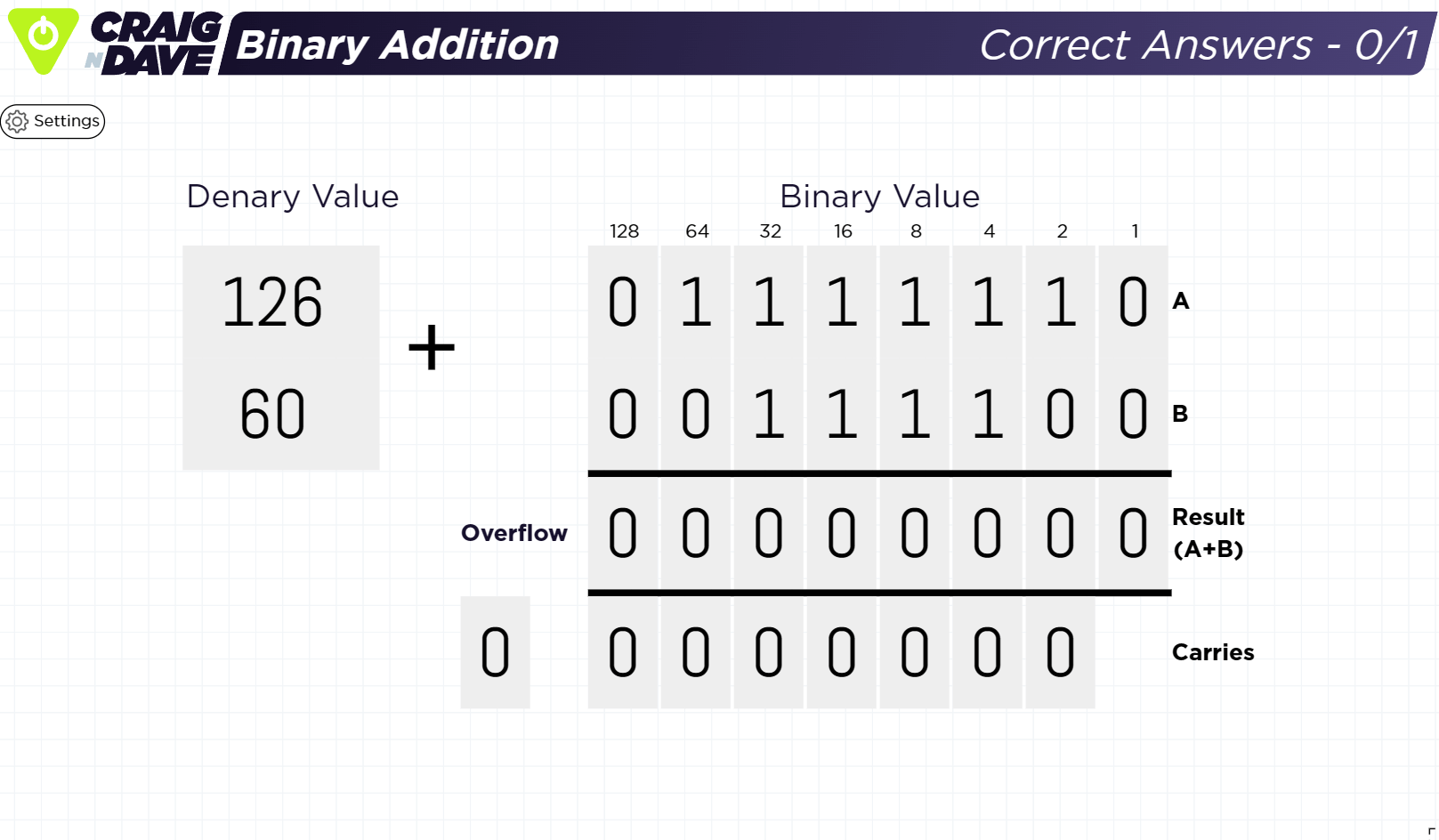
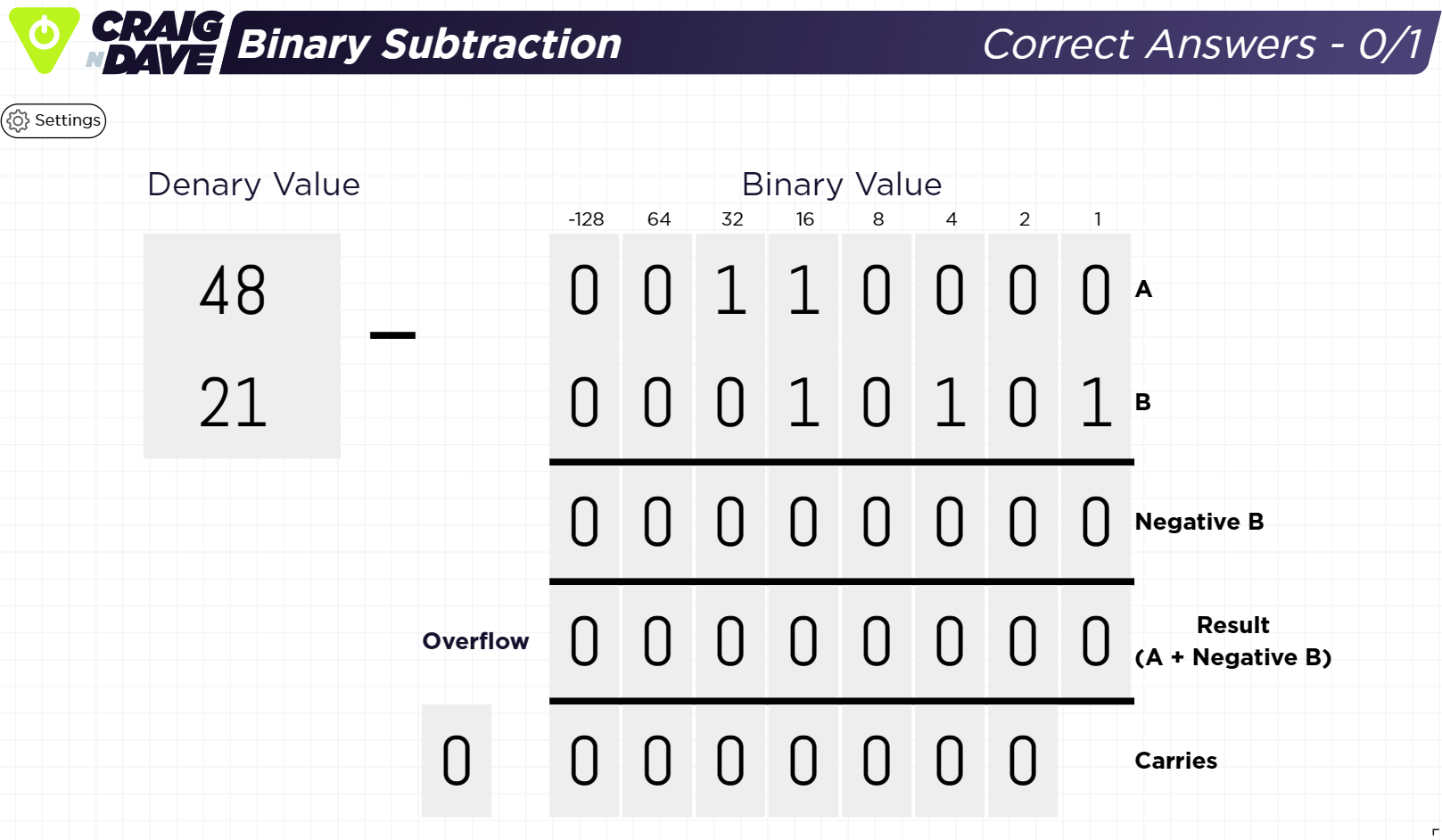
Binary apps


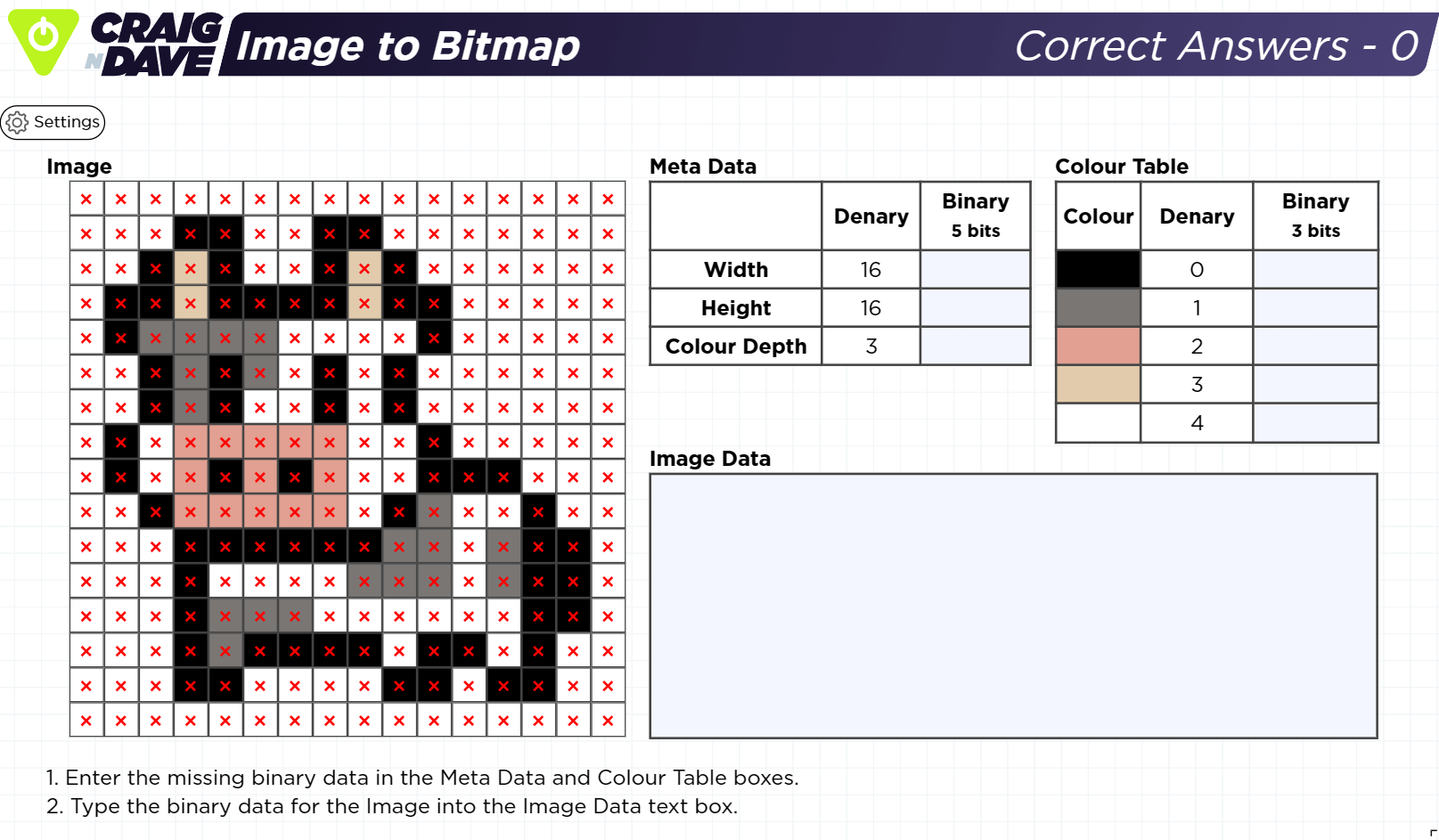
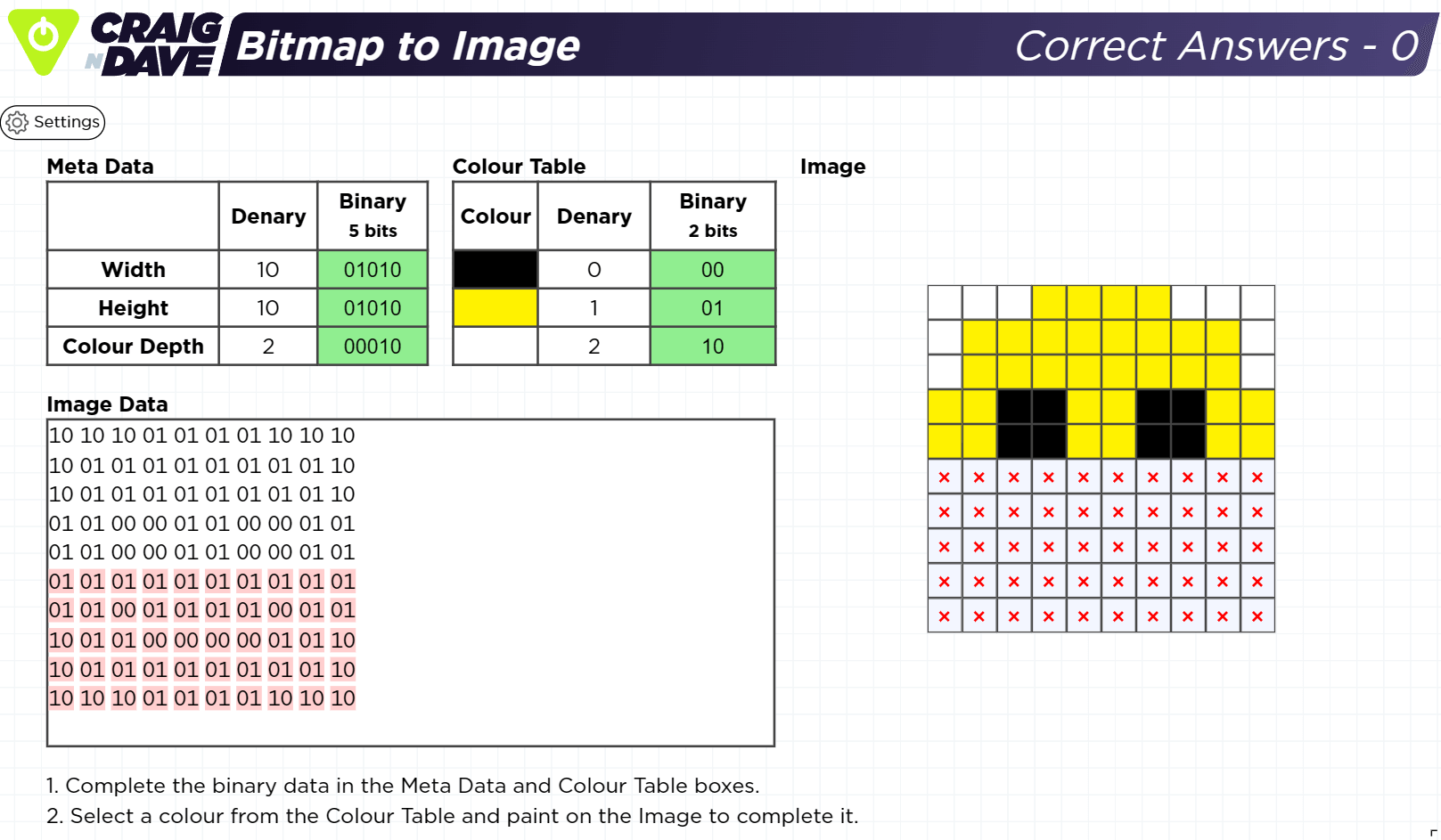
Programming apps
Trace table
Trace execution of Python, C#, OCR reference language or AQA pseudocode showing the values of variables and data structures.

Did you know?
Craig'n'Dave have a new Key Stage 3 Curriculum 2028 scheme of learning that includes its own bespoke apps?
A stable diffusion simulator that illustrates AI image creation. The user enters a colour and type of fruit e.g. "red apple" and the app draws a 16x16 pixel art image over a number of iterations. In each iteration the student can see the probabilty a pixel will change colour and interact with the app to select a colour from the possibilities.
In the future...
The range of apps is increasing
More apps are being developed right now.

Want to be notified of updates?
Create a free Craig'n'Dave account to recieve updates when apps are added or changed in addition to access to all our other free resources.

Assessment
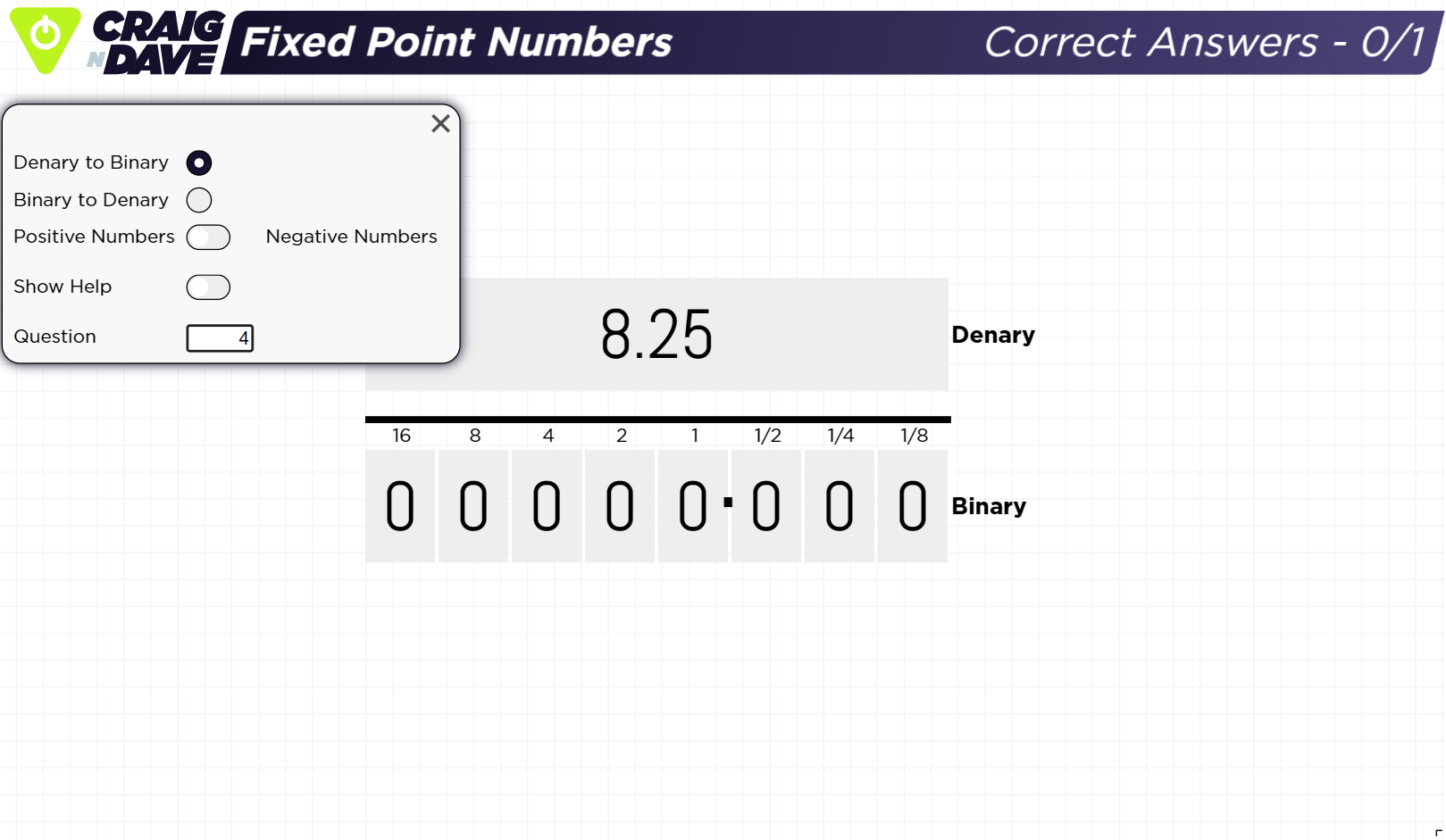
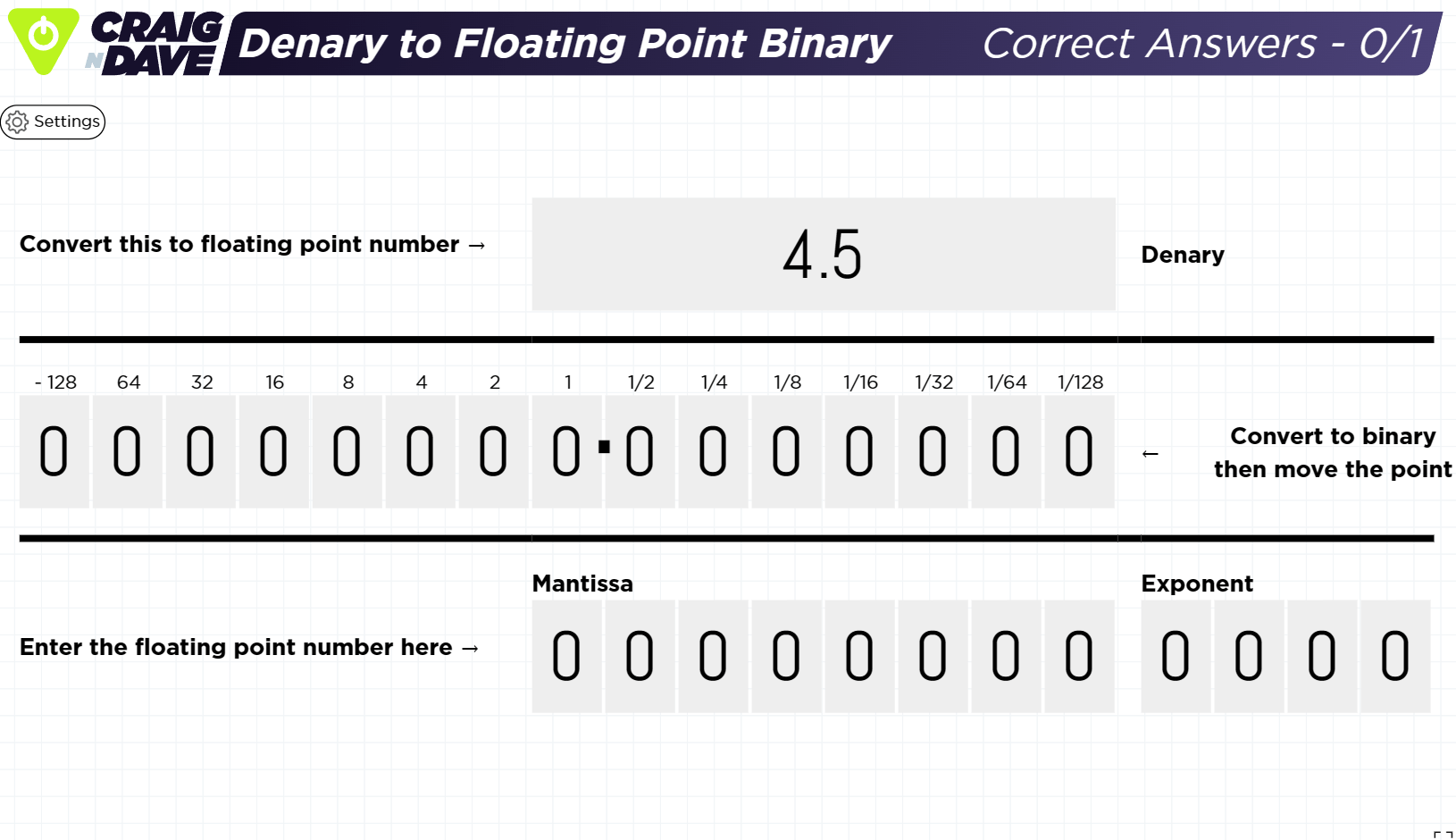
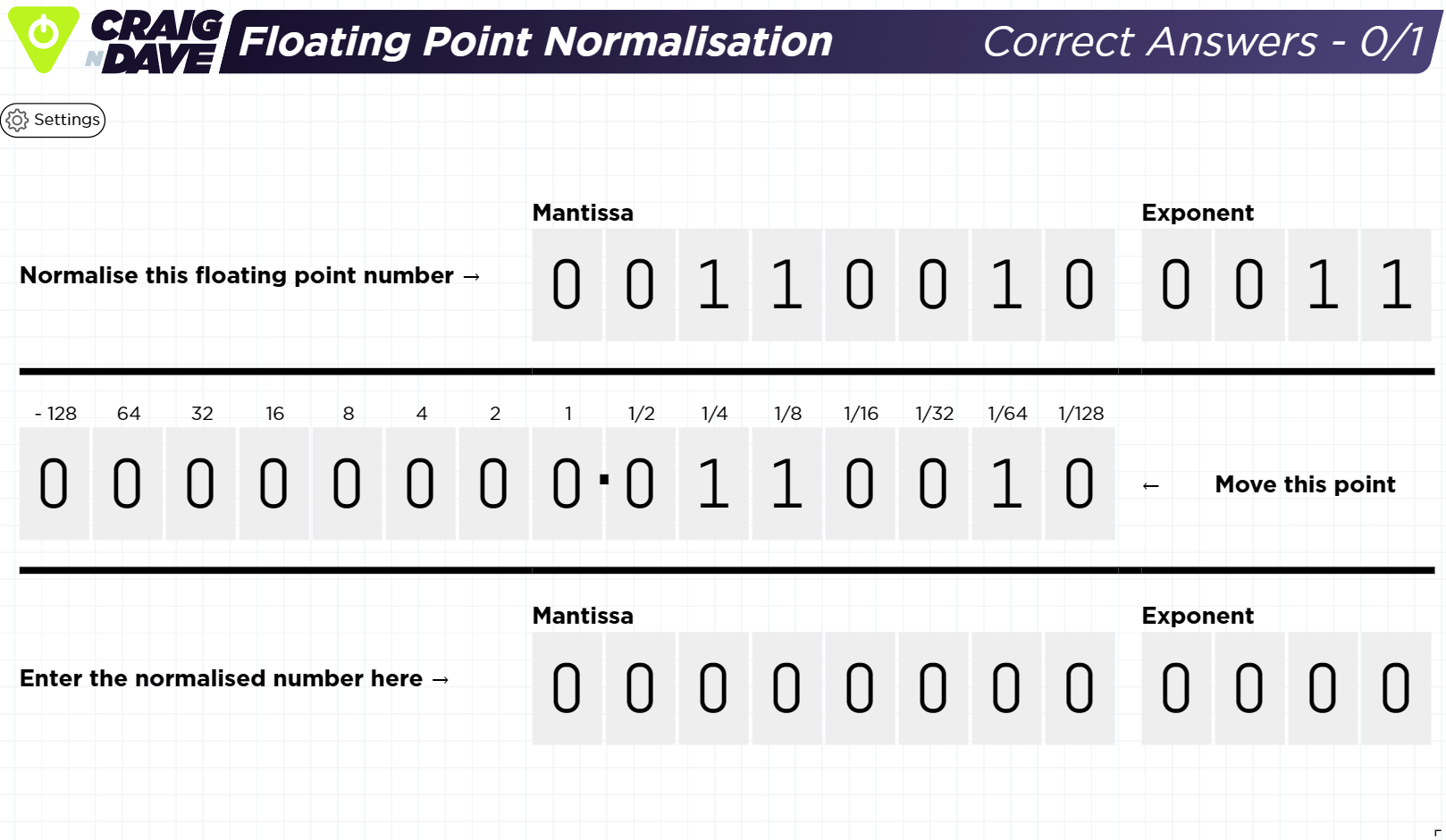
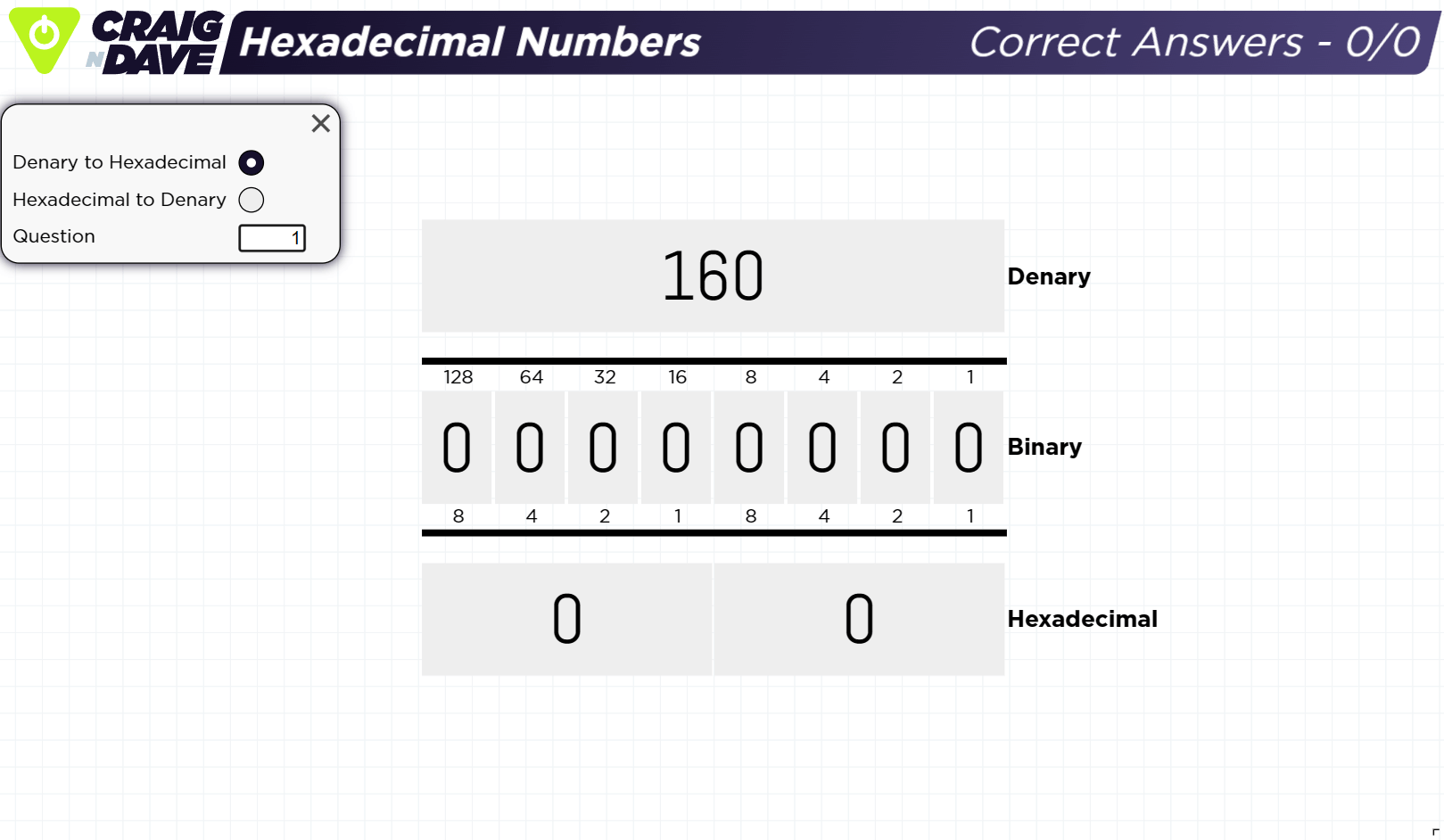
The apps are designed to be lightweight. There is no student or class data collection. If you are a teacher, we suggest you wander around the room as students are using an app and be aware of the data shown in the top right corner of the screen. For the binary apps: